Design Systems That Scale With Your Team
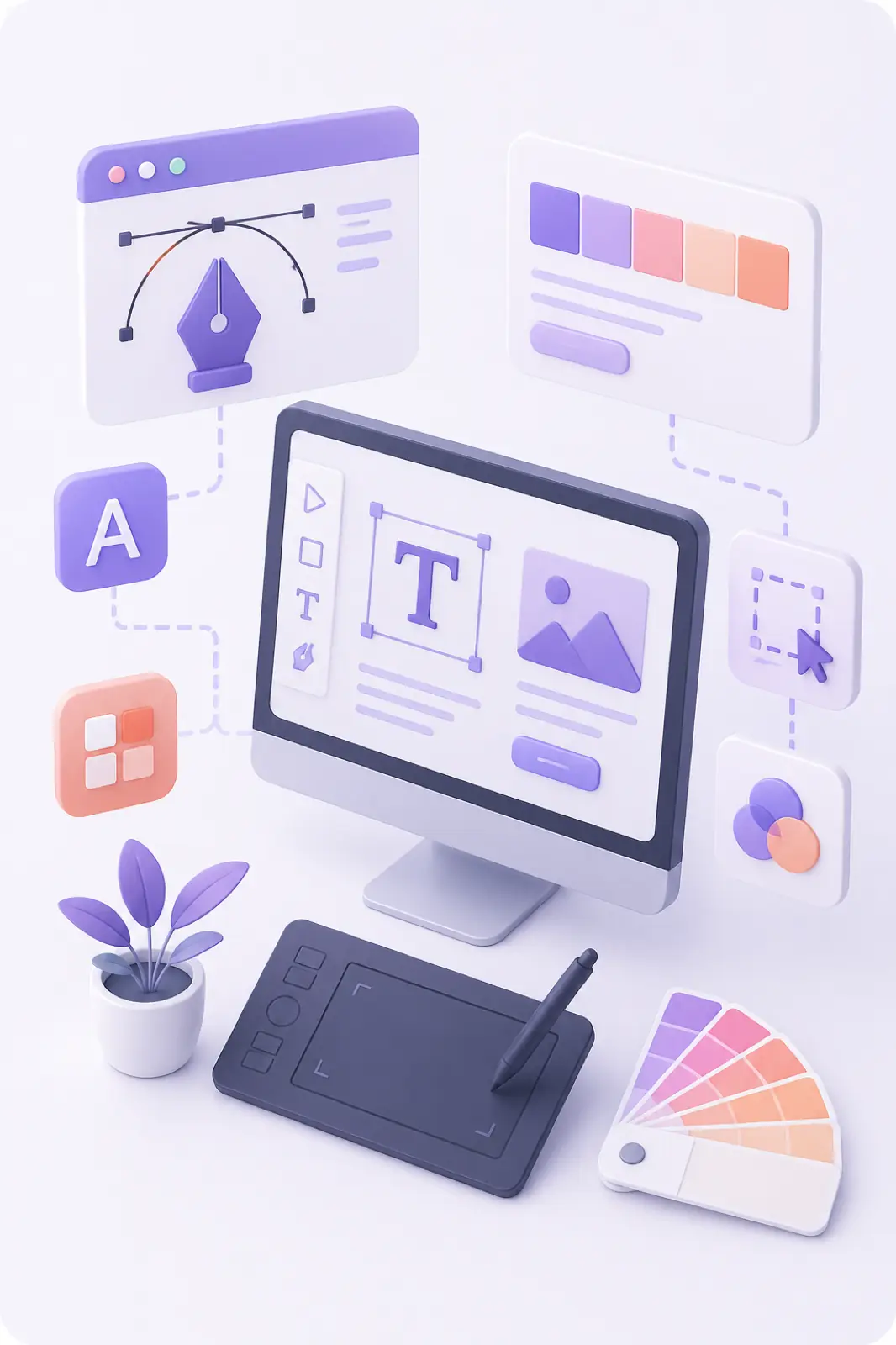
How shared components and tokens keep products consistent as your product org grows.
In this guide, we break down design systems that scale with practical steps you can apply immediately—whether you are refining an existing product or planning a new build with Bugnatics.
Why design systems that scale matter
As product orgs grow, inconsistent UI slows releases and confuses users. Design systems that scale share components and tokens so teams move faster with fewer visual bugs.
What to include from day one
Start small: foundations, core components, and documentation. Expand only when patterns repeat.
- Color, type, spacing, and elevation tokens
- Buttons, forms, cards, and navigation patterns
- Accessibility guidelines baked into components
- Contribution rules so the system stays healthy

Design and engineering as one system
Bugnatics connects Figma intent to production components so your design system stays real—not a slide deck that drifts from the product.
Ship the smallest change that creates the biggest, measurable lift—then iterate with data.
Frequently asked questions about design systems that scale
When should a startup start a design system?
As soon as three or more screens repeat the same patterns—or when two squads ship UI independently.
Is a design system only for large companies?
No. A lightweight system prevents chaos early and scales with you.
Work with Bugnatics
Ready to apply design systems that scale to your product? Talk to Bugnatics about web development, mobile apps, AI solutions, SEO, and UX that drive measurable growth.
Related articles
 Artificial Intelligence
AI vs Traditional Software: What's Changing?
Discover how AI is transforming business operations, automation, decision-making, and the future of software development.
 Web Development
Building High-Performance Websites in 2026
Core Web Vitals, modern architectures, and the techniques we use to ship fast, resilient web experiences.
 Digital Strategy
Turning Traffic Into Revenue With UX
A practical look at the conversion principles that separate good interfaces from great ones.